

All projects 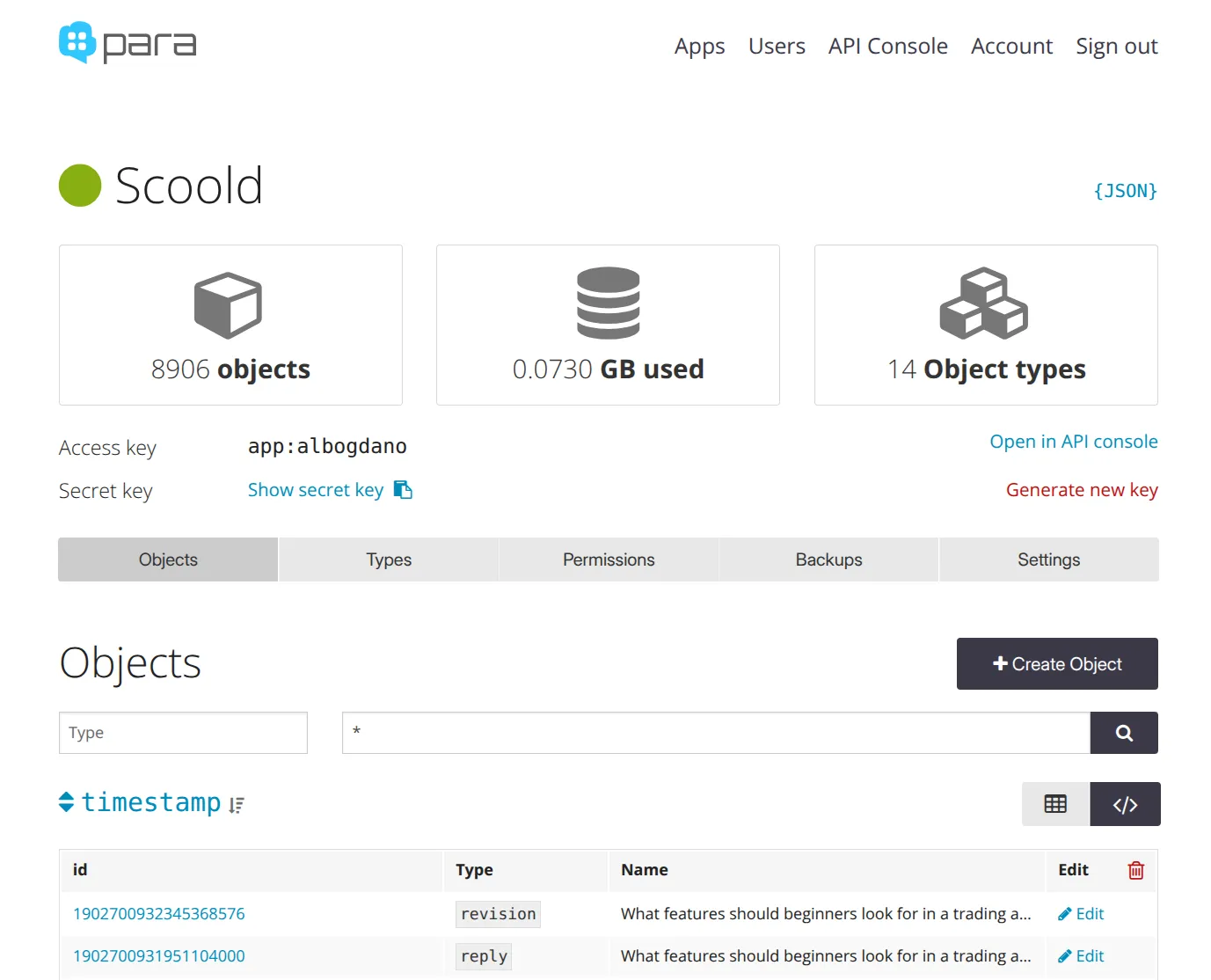
Para Cloud
CloudFully managed Backend-as-a-Service (BaaS) with global availability.
Para Cloud is the hosted service of Para - the open source backend framework. Para is a simple and flexible backend service that allows you to focus on your front-end. It is backed by the AWS cloud and runs on top of Elasticsearch and DynamoDB. Para can persist any object easily, while caching it automatically on every write request. Additionally, it supports full text search and allows you to build complex queries for finding your stored objects.
Quick start
- Sign in to Para Cloud
- Create a new App by clicking the “New App” button in Apps
- Take note of the security credentials - access and secret keys
- Use one of the client libraries below or use the API directly
The quickest way to interact with Para is through the command-line tool (CLI):
$ npm install -g para-cli
# run setup and leave endpoint blank or enter 'https://paraio.com'
$ para-cli setup
$ para-cli ping
$ echo "{\"type\":\"todo\", \"name\": \"buy milk\"}" > todo.json
$ para-cli create todo.json --id todo1 --encodeId false
$ para-cli read --id todo1
$ para-cli search "type:todo"
In your own project you can create a new ParaClient instance like so:
ParaClient pc = new ParaClient("ACCESS_KEY", "SECRET_KEY");
// Set this to true if you want ParaClient to throw exceptions on HTTP errors
pc.throwExceptionOnHTTPError(false);
// send a test request - this should return a JSON object of type 'app'
pc.me();